Key takeaways
- Field-service CRMs (Jobber, Housecall Pro, ServiceTitan) are built for scheduling and invoicing, not for operational intelligence at scale.
- Generic CRMs (HubSpot, Salesforce, Pipedrive) are built for sales pipelines and have no real concept of recurring service clients.
- Below $500K, pick a field-service CRM and stop optimizing. Past $1M, stop shopping and build a custom operations system, usually on Airtable.
- The signal that you’ve outgrown buying software: basic questions like “which clients haven’t booked in 45 days?” or “which tech shows up in complaints most?” can’t be answered by any tool you own.
Most cleaning business owners I talk to have already tried two or three CRMs. They bought Jobber, or Housecall Pro, or someone convinced them to try HubSpot. It worked for a while. Then the business grew, and the cleaning business software started showing its edges. Now they’re running jobs out of one tool, tracking clients in a spreadsheet, doing billing follow-up manually, and wondering what the best CRM for a cleaning business actually is.
The answer I give them: it depends on where you are. The right tool at $200K is the wrong tool at $1M. And past a certain point, you’re not looking for the right software, you’re looking for a system you built yourself.
Here’s how to figure out which situation you’re actually in.
Why most CRMs fail cleaning businesses at scale
The field-service CRMs, Jobber, Housecall Pro, ServiceTitan, were built around scheduling and invoicing. They do those things well. What they weren’t built for is running the operational layer of a growing business.
When a cleaning company crosses $500K, the gaps start showing. The CRM tells you when the next job is scheduled but can’t tell you which clients haven’t booked in 45 days and are at risk of churning. It doesn’t flag when a specific technician is showing up in complaint notes more than others. It handles the jobs but not the business intelligence sitting underneath the jobs.
Generic CRMs, HubSpot, Salesforce, Pipedrive, have the opposite problem. They’re built for salespeople managing a deal pipeline. A “contact” in HubSpot is someone you’re trying to close. It has no concept of a recurring client with a specific team assigned, a lockbox code, 3 years of visit history, and a billing cadence that changes by season. You can make it work, but you’ll spend a lot of time working around what the tool was designed to do.
The pattern I see most often in cleaning businesses doing $500K–$2M: they’ve outgrown their original software but don’t have anything real to replace it. They’re running three or four tools that don’t talk to each other, and their “CRM” is actually a combination of a scheduling app, an admin’s email inbox, and two spreadsheets that only one person understands.
That’s not a problem you solve by buying better software. That’s an operations problem.
What a cleaning business actually needs from its CRM
When I map the operations of a cleaning company that’s ready to scale, six things need to work together, not side by side in different tools, but actually connected:
Contact and job records tied together. Every client with their full visit history, service preferences, team assignments, and access instructions in one place. Searchable. Updated automatically when something changes.
Scheduling that handles recurring jobs, one-offs, cancellations, and reassignments without creating manual cleanup work every time the schedule shifts.
Invoicing that generates automatically after jobs close, sends payment reminders on a schedule, and escalates overdue accounts without someone on your team having to remember.
Team records linked to the job records. Who’s assigned to what, who’s available, who’s been showing up in feedback, all in the same system rather than a separate spreadsheet you update weekly.
A lead pipeline that doesn’t lose inquiries. Follow-up that actually fires when it should, not when someone remembers to send an email.
Automated communication after every visit. Review requests, upsell messages, reactivation campaigns for clients who’ve gone quiet. Not “someone needs to handle this”, the message goes out on its own based on job status.
Most off-the-shelf CRMs for cleaning businesses handle 2 or 3 of these well. I haven’t found one that does all 6 without significant manual work to bridge the gaps.
The main options for cleaning business software
Jobber is the most common choice for residential and commercial cleaning companies under $2M. Scheduling is solid. Invoicing is clean. The mobile app works in the field. The ceiling shows up in reporting (thin), client communication (basic), and anything requiring custom logic. You can’t build an at-risk client model in Jobber. You also can’t automate a 3-step reactivation sequence for clients who haven’t booked in 90 days without doing it manually or patching in another tool.
Housecall Pro is similar territory. Strong on scheduling and payment processing. Better mobile UX in some areas. Same ceiling as Jobber. Good for where you are now; probably not where you’re going.
ServiceTitan is enterprise-grade. If you’re running $5M+ with a large commercial operation and a dedicated admin team, it’s worth a serious look. For most cleaning businesses in the $500K–$2M range, it’s expensive to implement, complex to maintain, and more tool than the business actually needs.
HubSpot handles the sales and marketing side competently, lead tracking, email sequences, pipeline management. It’s not a field-service tool. It doesn’t handle scheduling, team assignment, or job-based invoicing. Some businesses run HubSpot alongside Jobber. That’s fine until you’re manually syncing data between two systems and reconciling discrepancies every week.
A custom Airtable stack is what I recommend when cleaning businesses hit the ceiling of Jobber or Housecall Pro and need their data to actually connect. Not because Airtable is the best CRM for cleaning businesses out of the box, it isn’t a CRM at all out of the box. But with the right build, it becomes one that fits your business specifically, not every field service business generically. Our Airtable consulting work covers exactly this kind of custom data system.
When to stop shopping and build your own
The thing I hear most often is that Airtable “can’t do email sequences.” That’s true if you’re thinking of Airtable as a standalone tool. The right framing: Airtable is the data layer. Make.com or n8n is the automation layer. Together, they replicate everything the off-the-shelf options do, and let you own the logic.
Here’s how the full stack maps out for a cleaning business:
| Function | How you build it |
|---|---|
| Client and job tracking | Airtable (native records + views) |
| Job scheduling | Airtable calendar view + status automations |
| Team assignment | Linked records + Softr staff-facing portal |
| Invoicing | Airtable → Stripe or QuickBooks via Make |
| Email sequences (follow-ups, review requests, reactivation) | Make watching Airtable status fields → Gmail or SendGrid |
| SMS reminders | Make → Twilio |
| Lead pipeline | Airtable kanban + form intake |
| Client self-service | Softr client portal |
The email sequence problem specifically is solved by a status field. When a job moves to “Completed,” Make fires automatically: review request at 24 hours, upsell at day 7, reactivation check at day 90. You’re not navigating a vendor’s sequence builder. You write the logic once, it runs forever, and you change it when your business changes.
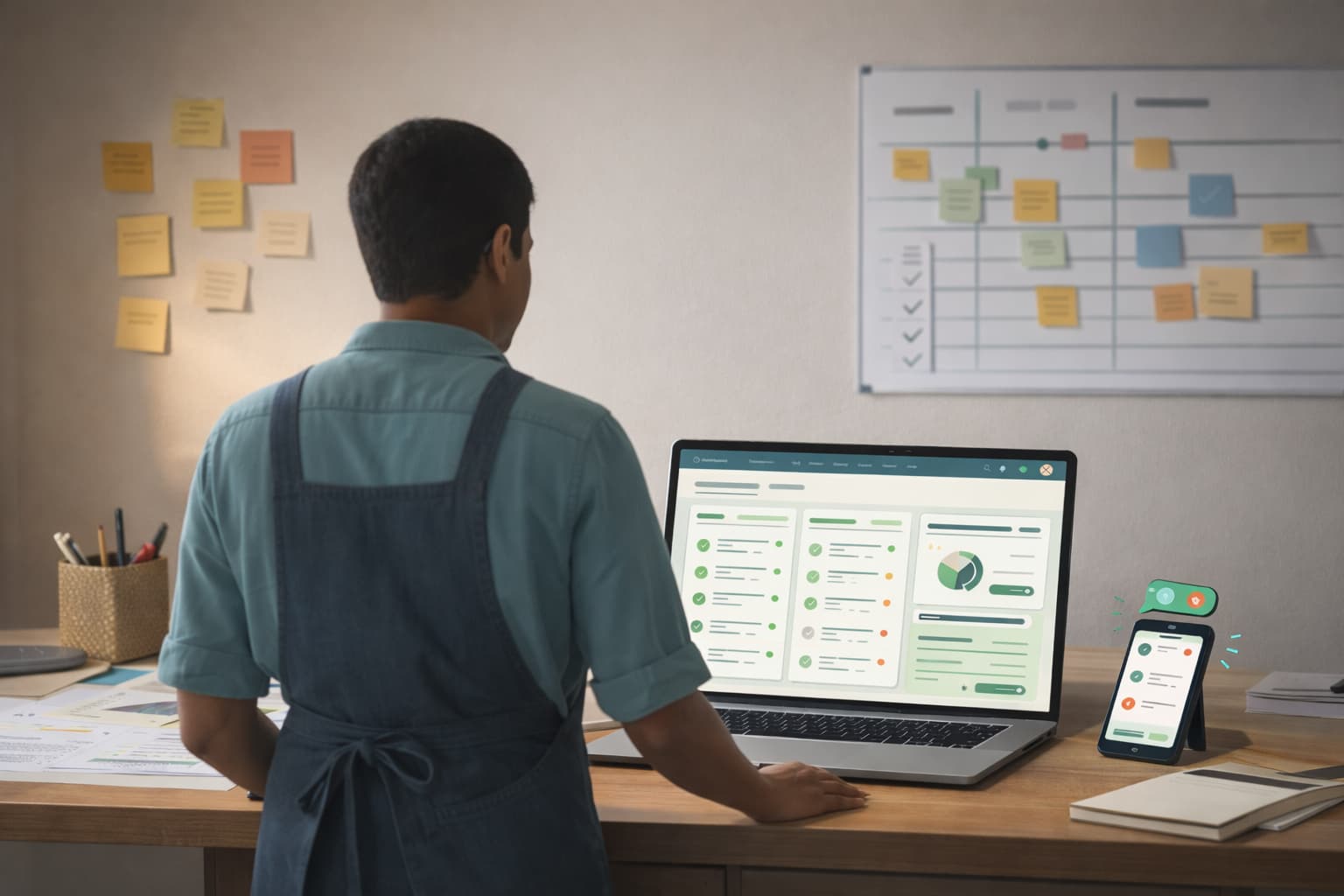
Why do this instead of buying something off the shelf? You own the system. No per-seat pricing that scales against you as you grow. No features behind a higher tier forcing you to upgrade. No data locked in a platform you can’t cleanly export when you eventually want to move.
Why not to do this: it takes real work to build and to maintain. At $200K with one admin handling everything manually, the ROI isn’t there. The right time to build is when you’re doing enough volume that the manual work is visibly costing you, hours every week on coordination, follow-up, and reconciliation that a system would handle automatically.
What a custom CRM for your cleaning business actually costs
Build costs depend on scope, a standalone Airtable base with basic automations and a full stack with a staff portal, email sequences, and QuickBooks integration are completely different engagements. Every cleaning business has different processes, different tools, and different logic baked into how they run jobs and manage clients, so there’s no standard rate that applies across builds. Tool costs (Airtable, Make.com, Softr) are predictable and typically run $100–$150/month depending on the tiers you need.
The ROI math usually works regardless. A cleaning company at $1M with an admin spending 15 hours a week on manual coordination, billing follow-up, and re-booking lapsed clients is paying roughly $25,000/year for that labor. A system that cuts that in half pays back fast, and the savings compound every month after.
The best CRM for your cleaning business might be one you don’t have to buy. If you’re running on spreadsheets or you’ve hit the ceiling of your current tool, book a call. We’ll map your workflows, find where the biggest gaps are, and tell you straight, whether you need different software, a custom build, or just a better setup of what you already have. If the operations layer needs work before the tech is ready to build on, we start with process and workflow design. If you’re further along and wondering whether the system is ready for AI, that’s where our AI implementation work begins.